
Live TV at a glance
A ring around each channel shows how far the show has got. Filter by theme and flip from one channel to the next.
Black Friday · Premium lifetime −25%
For iPhone, iPad, Mac and Apple TV
You already pay for your IPTV subscription. Watch it in an app that does it justice: live TV, guide, movies and series. Open it, and you’re watching.
Coming soon to Android.
Ulti does not provide any channels or content.
Pick a screen to discover the app.
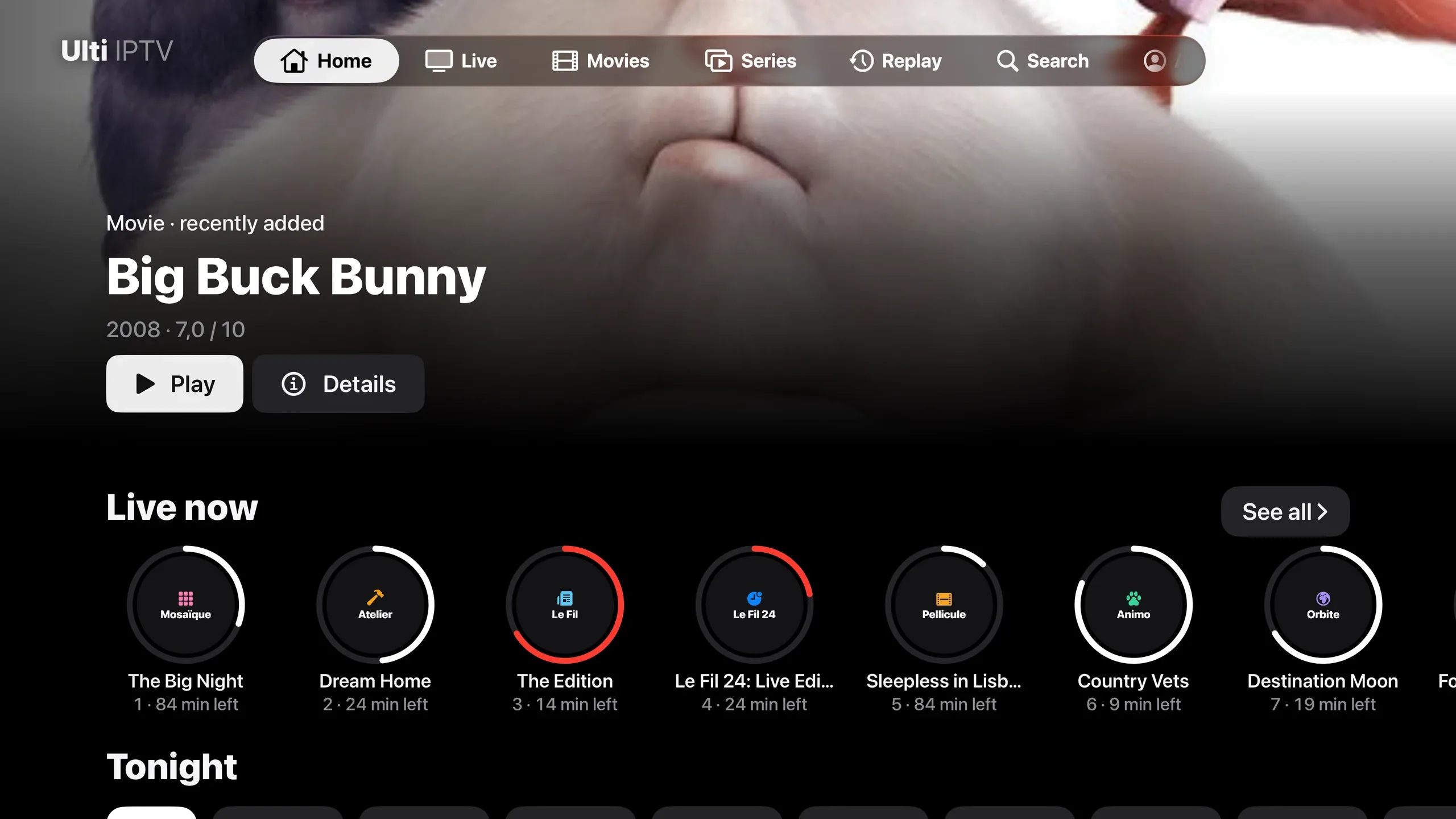
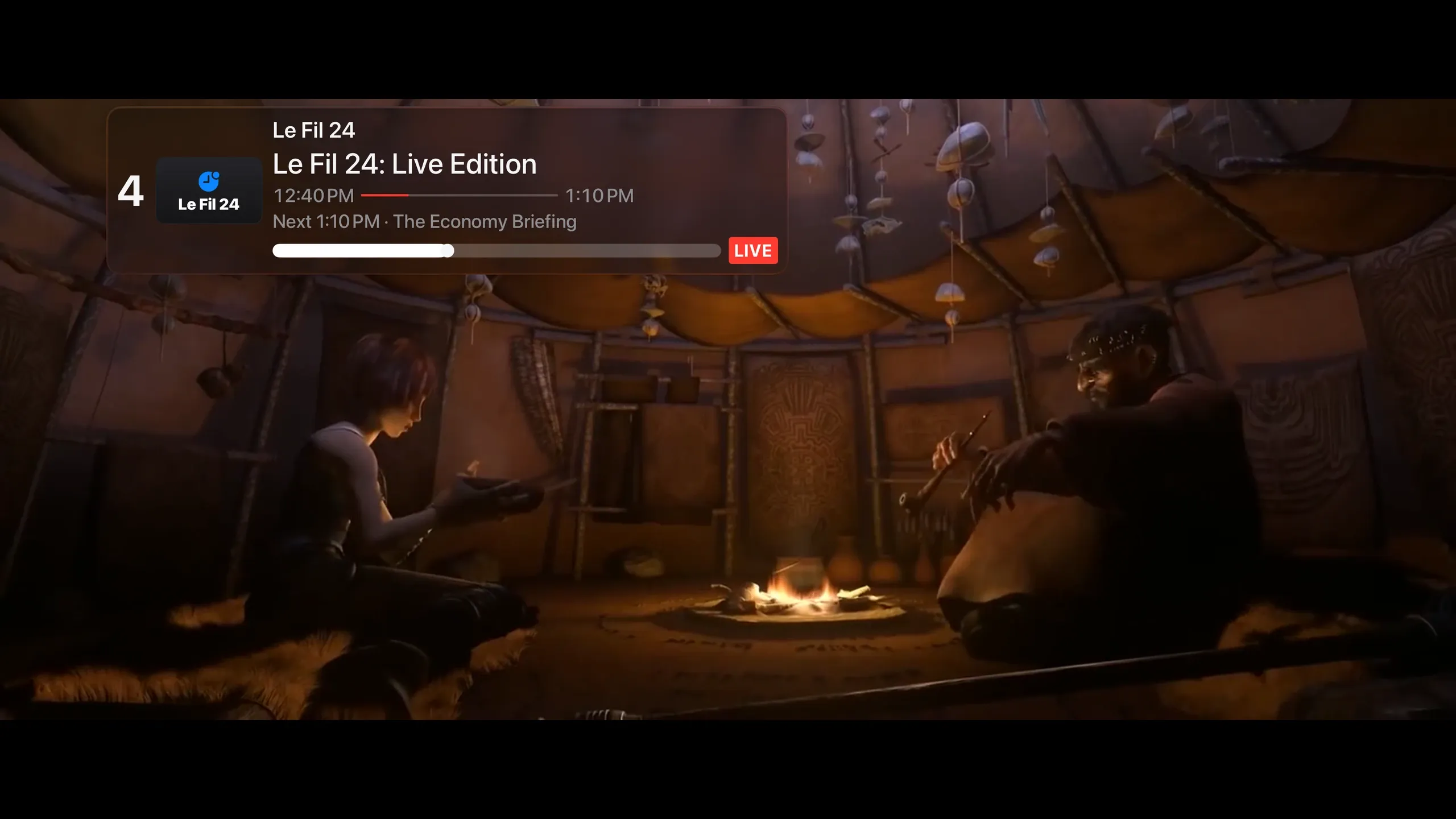
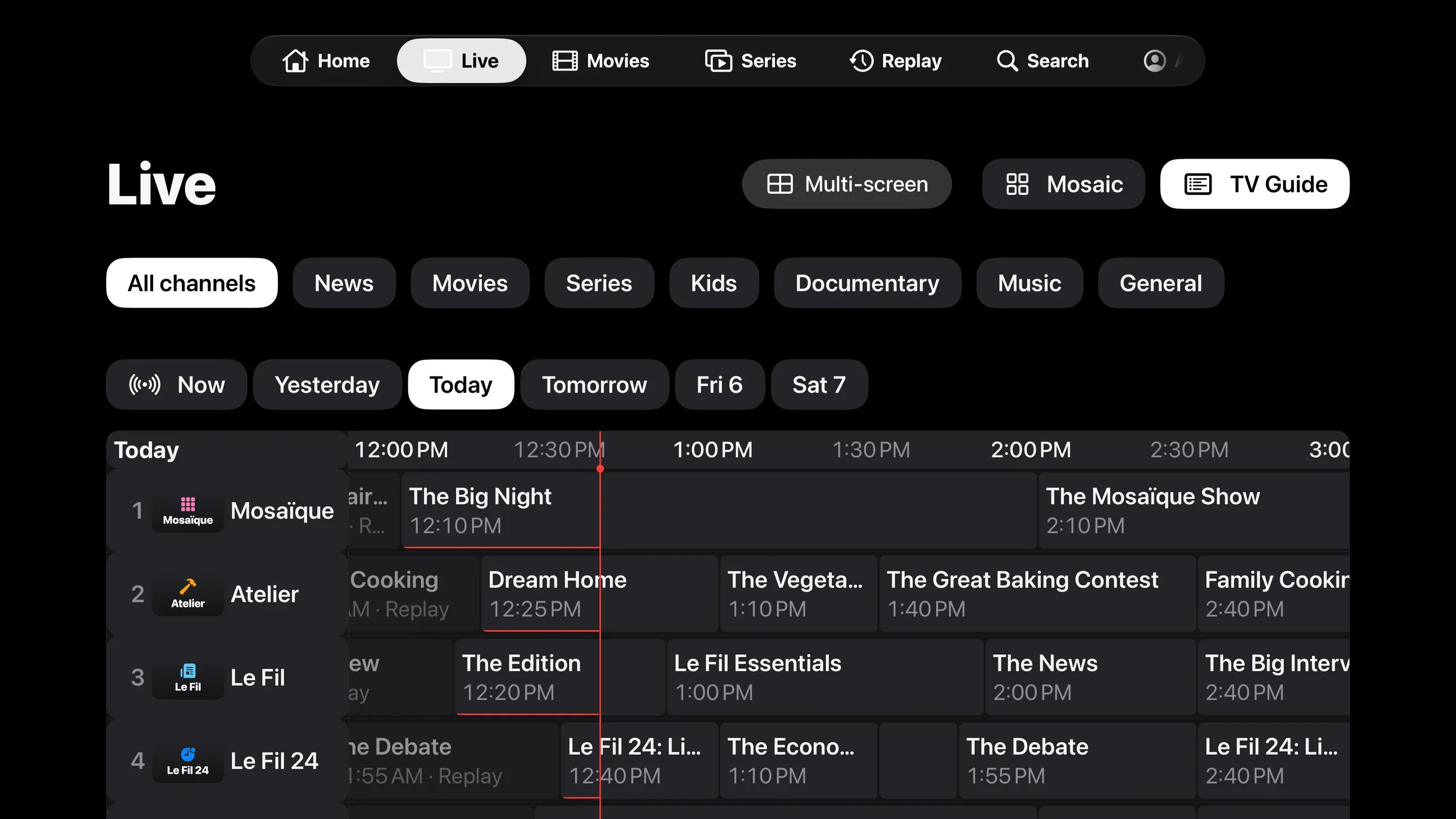
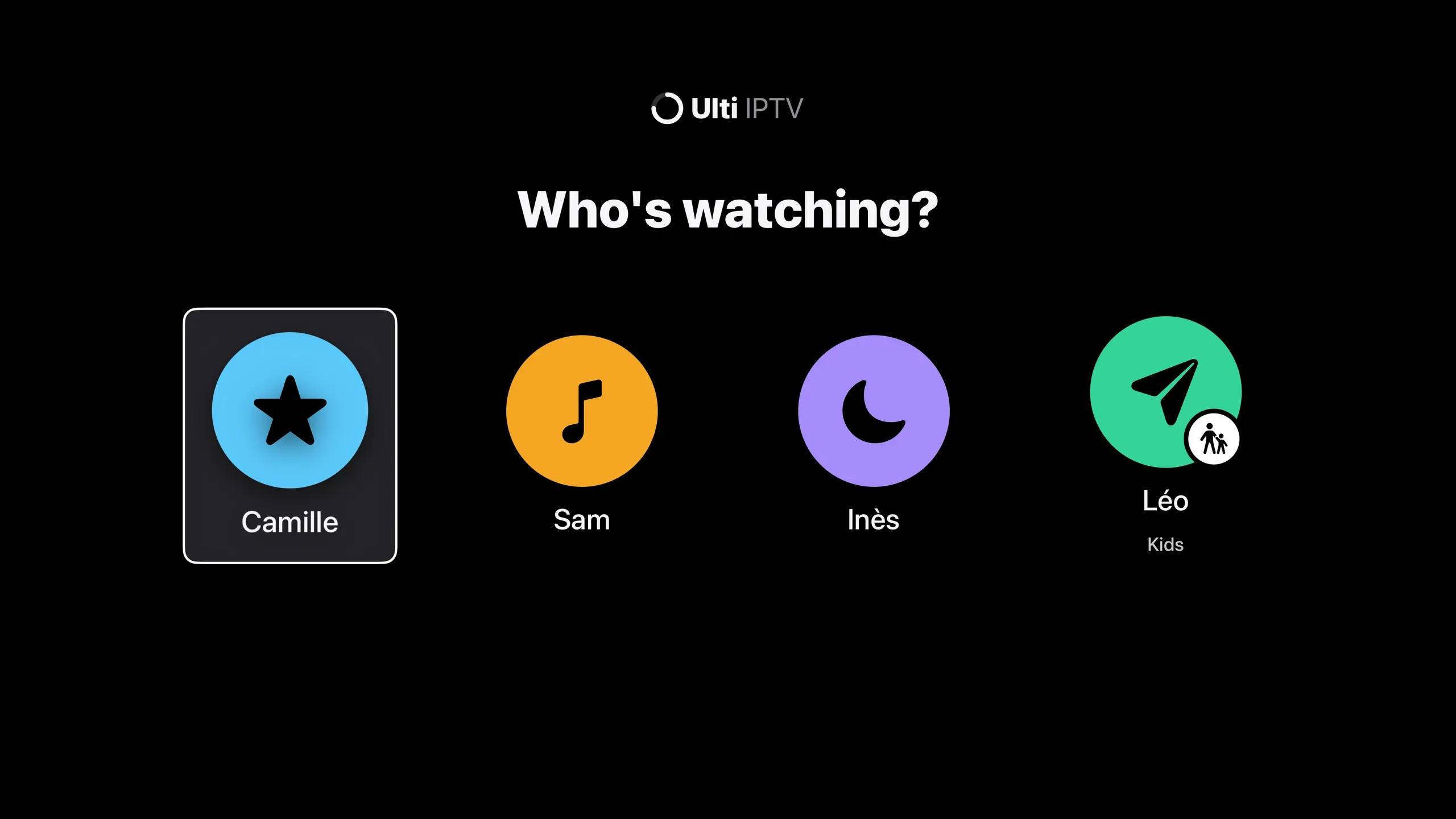
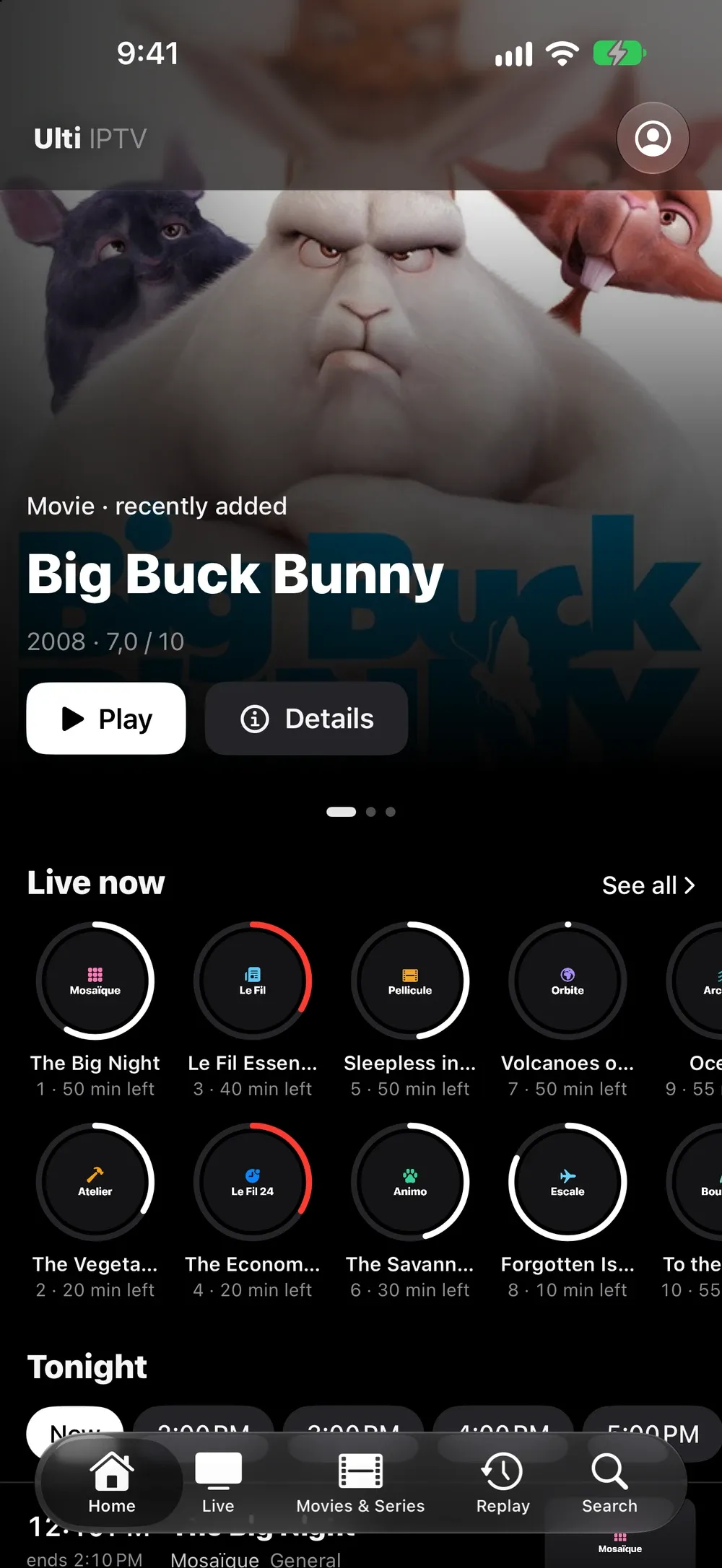
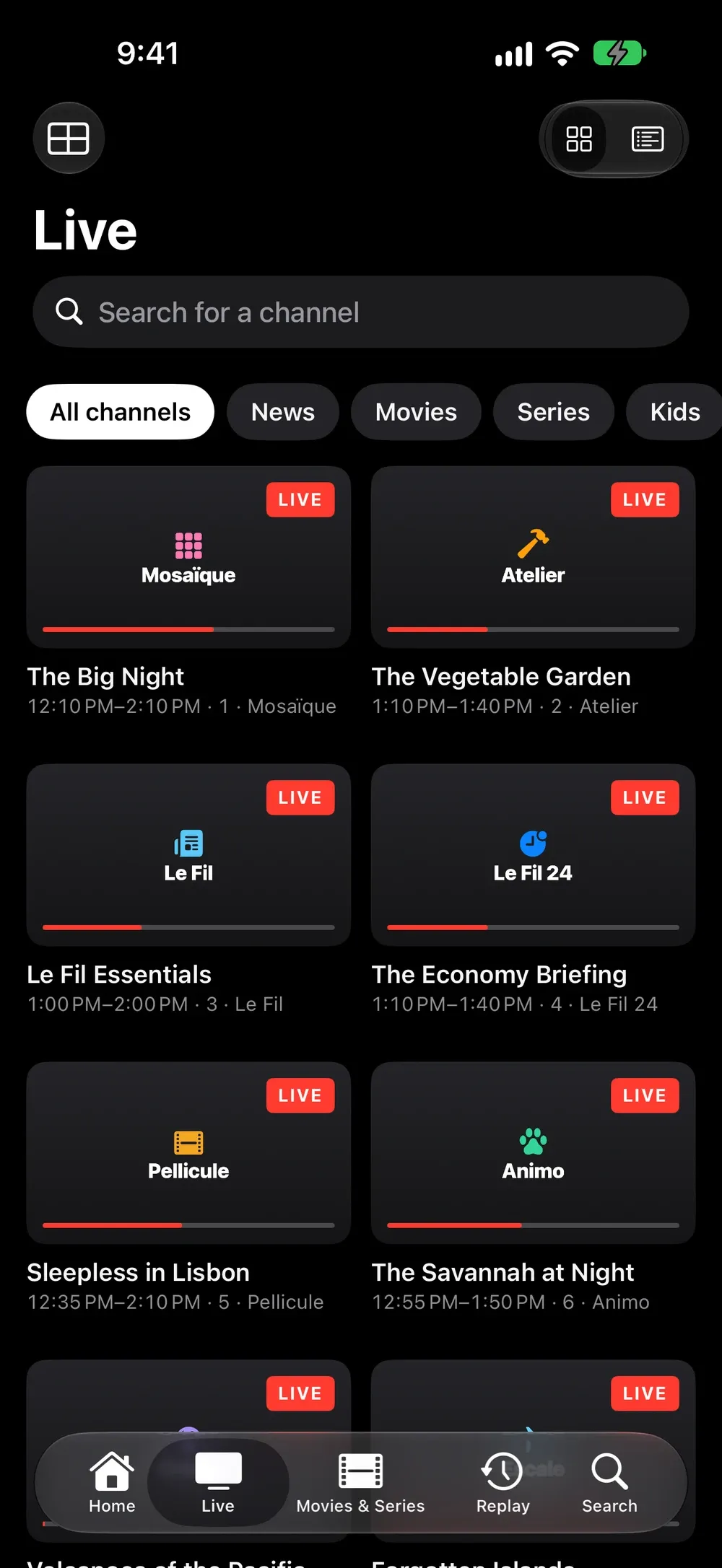
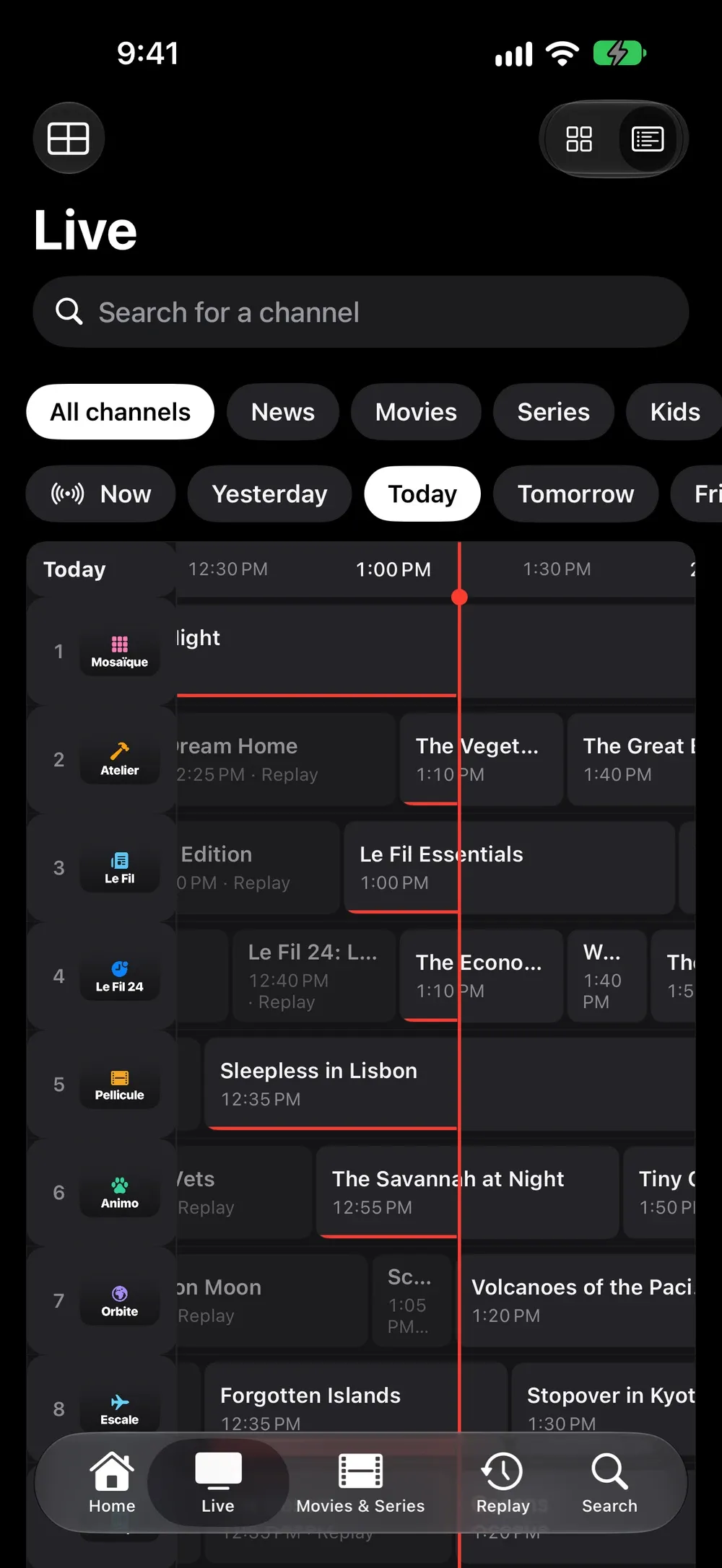
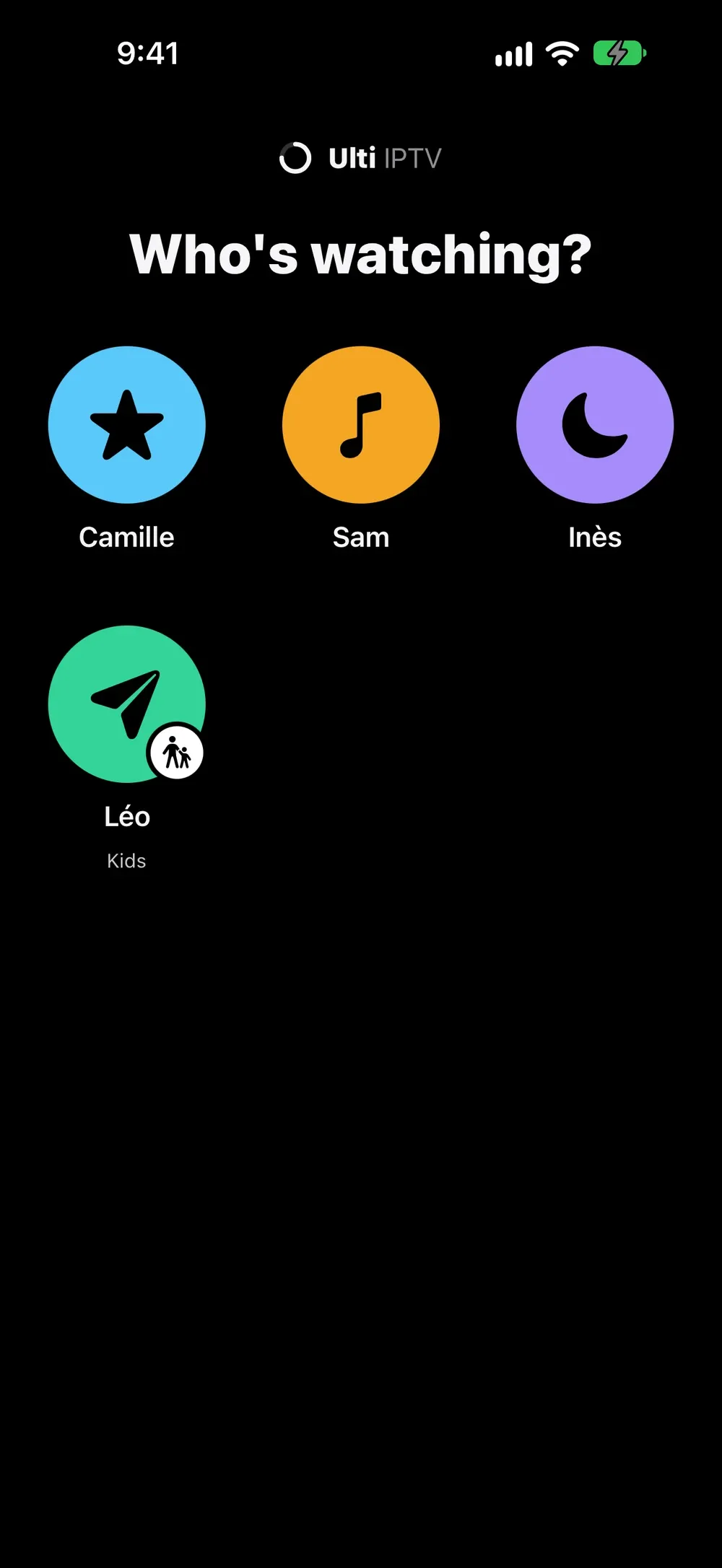

Apple TV, iPad and Mac with Apple silicon, iPhone: the same app, everywhere.
Setup
Your provider’s message: copy it.
In Ulti, tap “Paste the message you received”.
Ulti recognises the format and fills everything in.
Your channels are ready.
1. MessageYour provider’s message: copy it.
2. PasteIn Ulti, tap “Paste the message you received”.
3. Filled inUlti recognises the format and fills everything in.
4. ReadyYour channels are ready.
Did your provider send you a message with your login details? Paste it into Ulti: the app recognises the format on its own and fills everything in. You can also type your details by hand.
On Apple TV, there’s nothing to type with the remote: scan the QR code with your iPhone, confirm, and your subscription arrives on the TV, encrypted, straight over your local network.
Paste the message from your IPTV provider, or enter its login details. Ulti fills in the rest.
Channels, guide, movies and series are organised. Keep only the categories you care about.
On iPhone, iPad, Mac and Apple TV. With Premium, your list and resume points follow you.
Under a minute, start to finish.
Ulti turns the thousands of channels and movies in your subscription into clear screens, like a TV app you’ve always had.
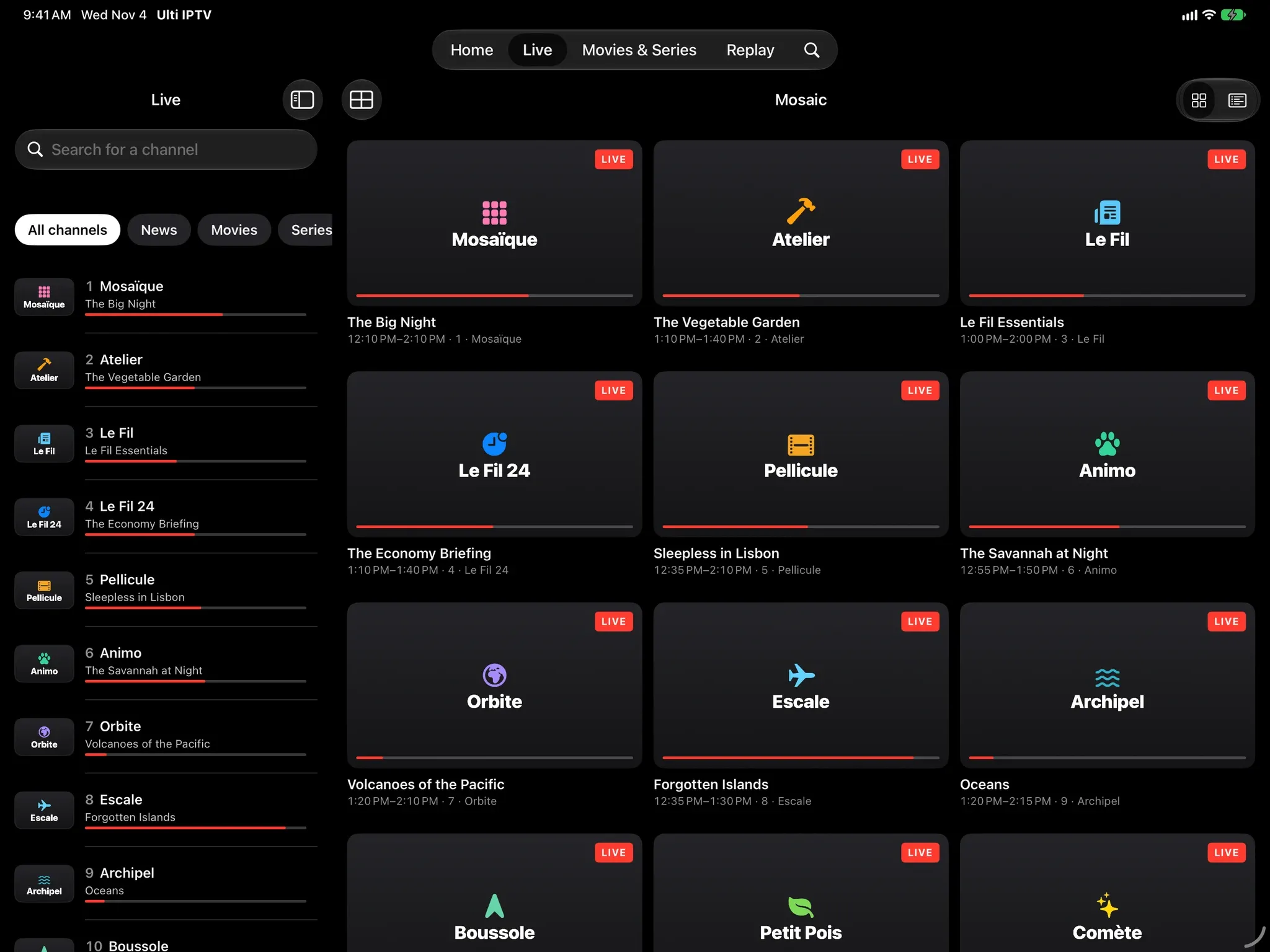
A ring around each channel shows how far the show has got. Filter by theme and flip from one channel to the next.
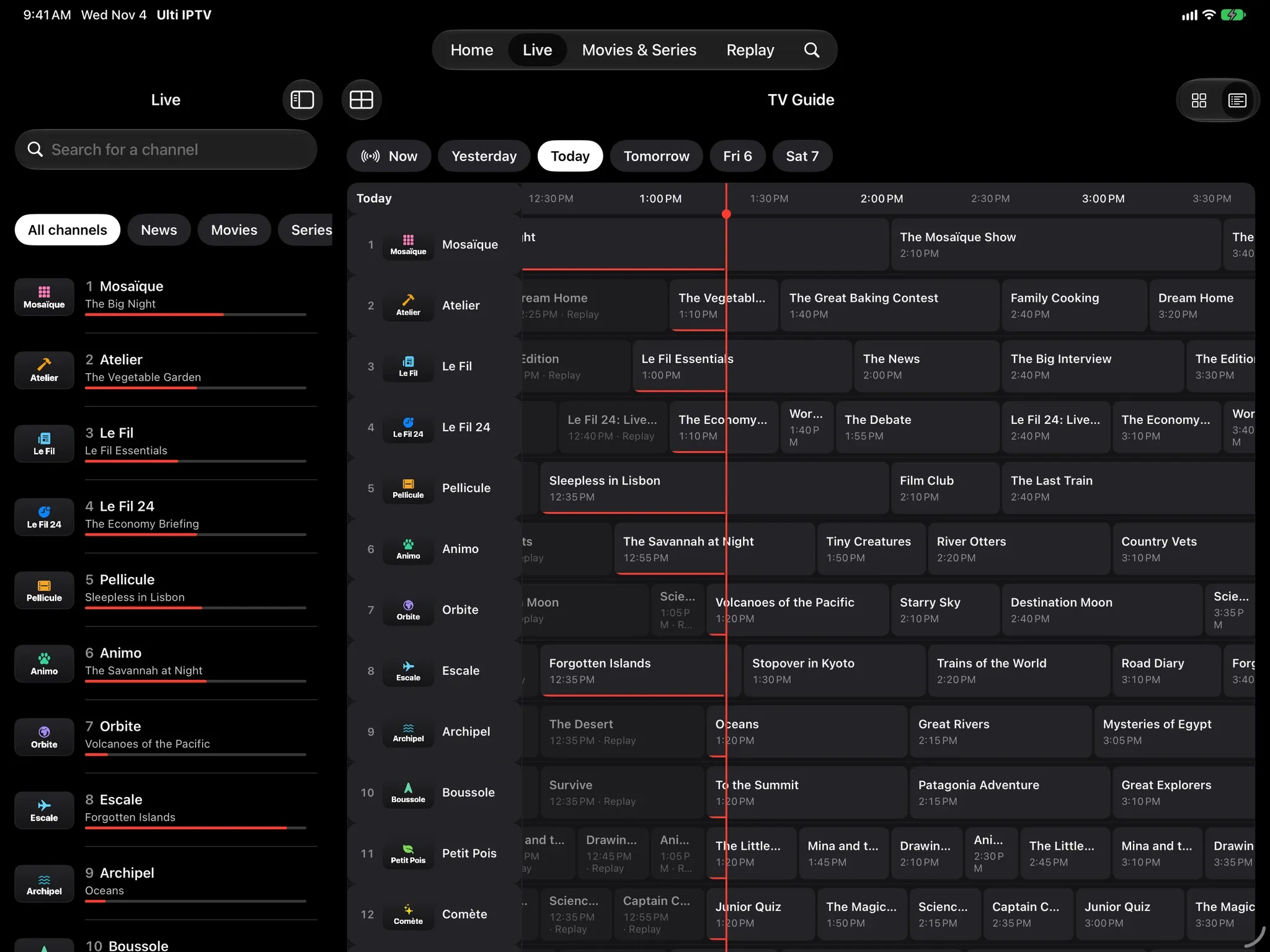
Tonight, tomorrow, all week. Set a reminder in one gesture, or use your own XMLTV guide.
Posters and summaries, every version of a movie gathered in a single page, and you pick up right where you left off.
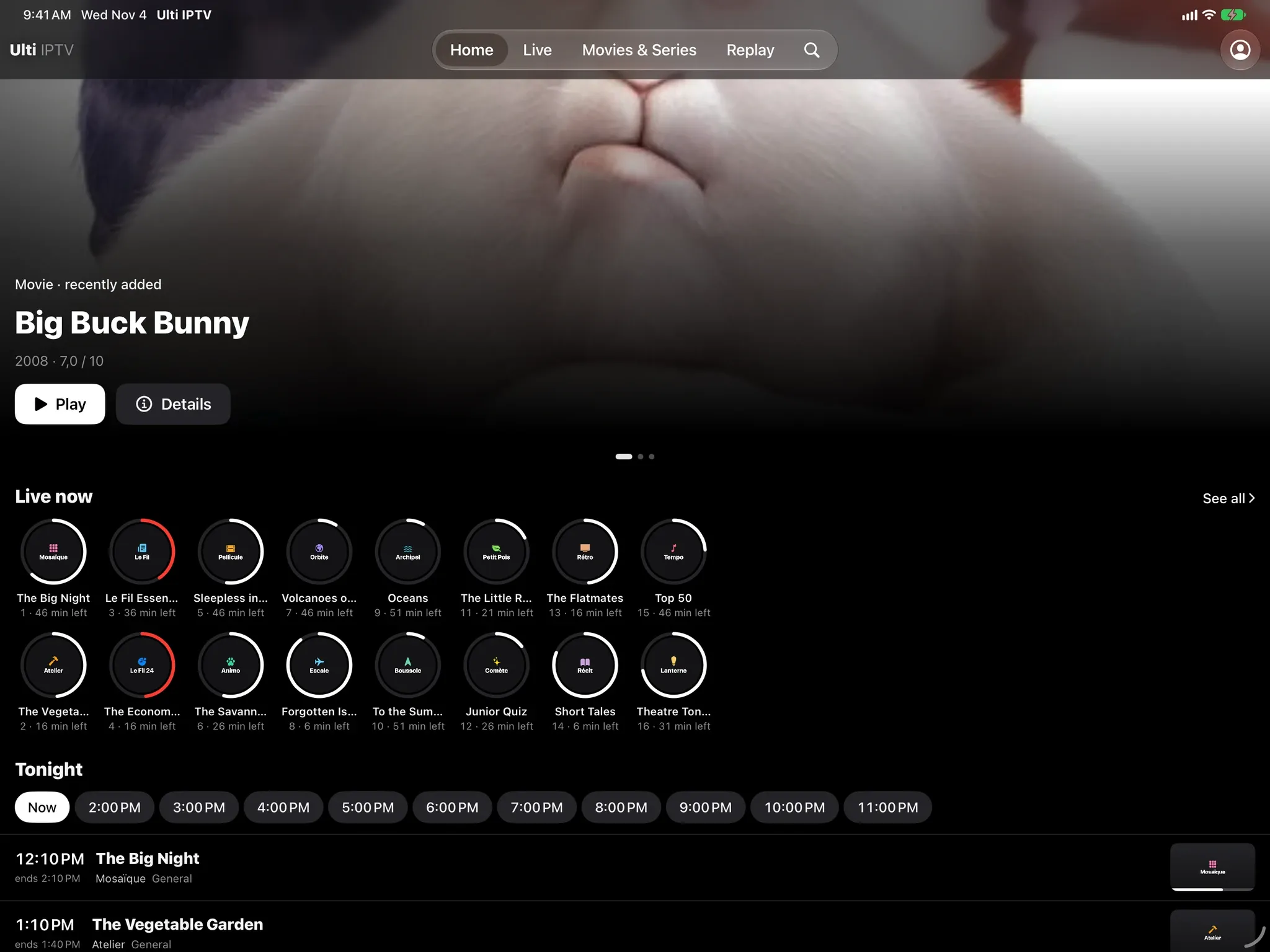
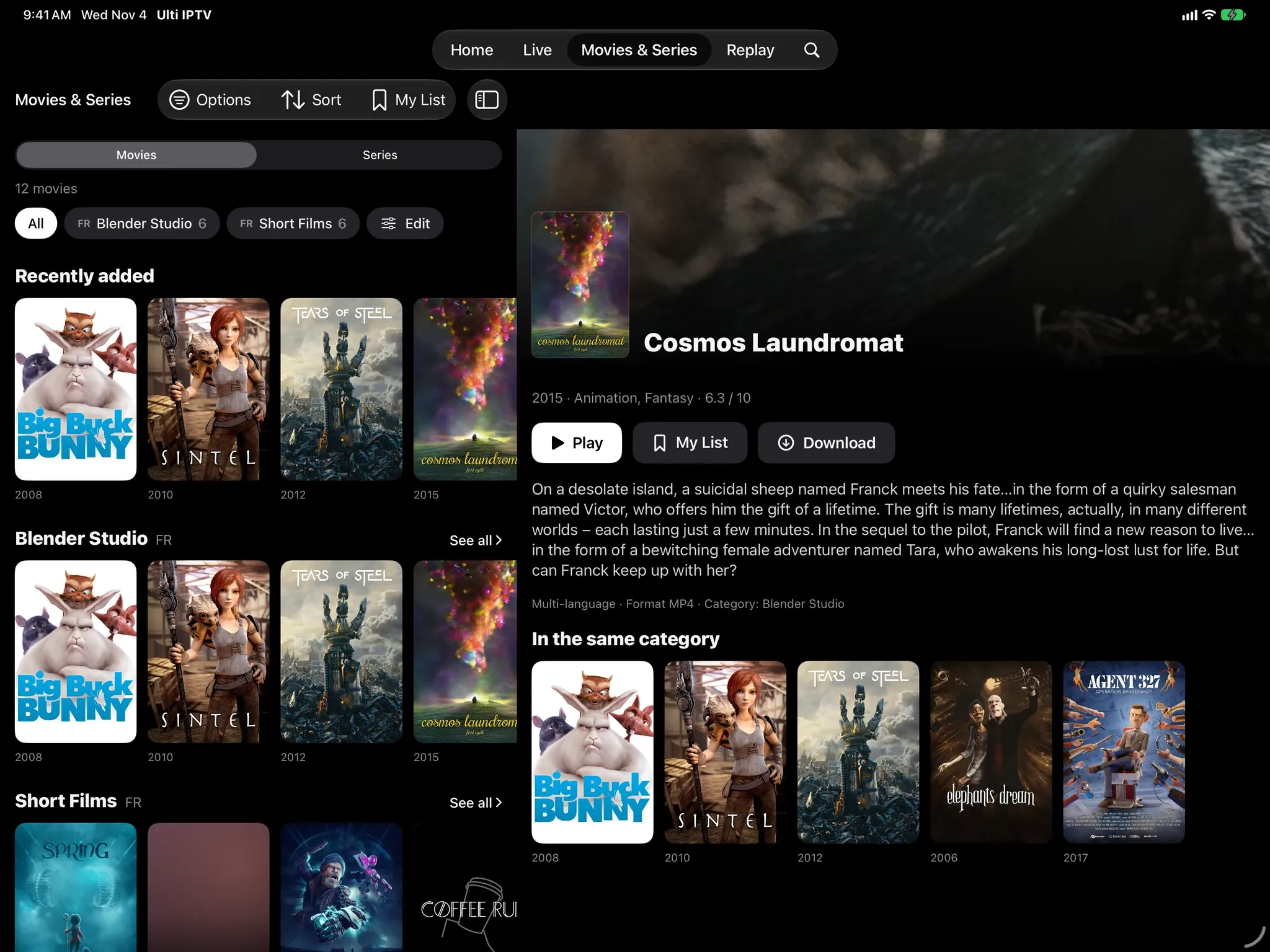

As soon as you open it: the featured movie and your live channels, with what’s on now.
All your channels as large tiles, with what’s on now. Filter by theme, then flip through.
Tonight, tomorrow, all week. A reminder in one gesture, and a line shows where you are.
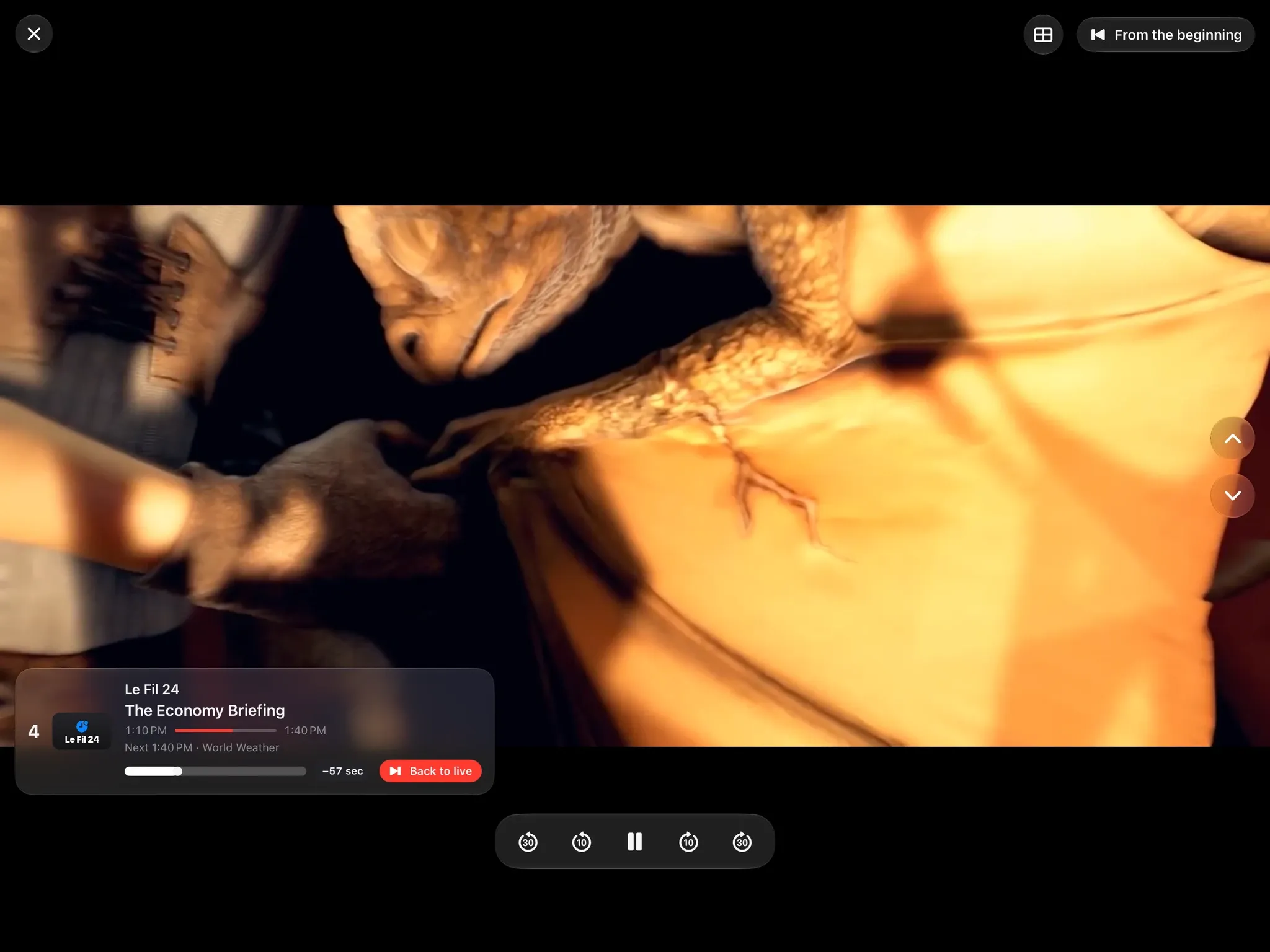
Pause live TV, rewind or start the show from the beginning, then jump back to live. · With Premium
Browse the catalogue with posters and summaries, every version of a movie in one place, and resume where you left off. · Playback with Premium
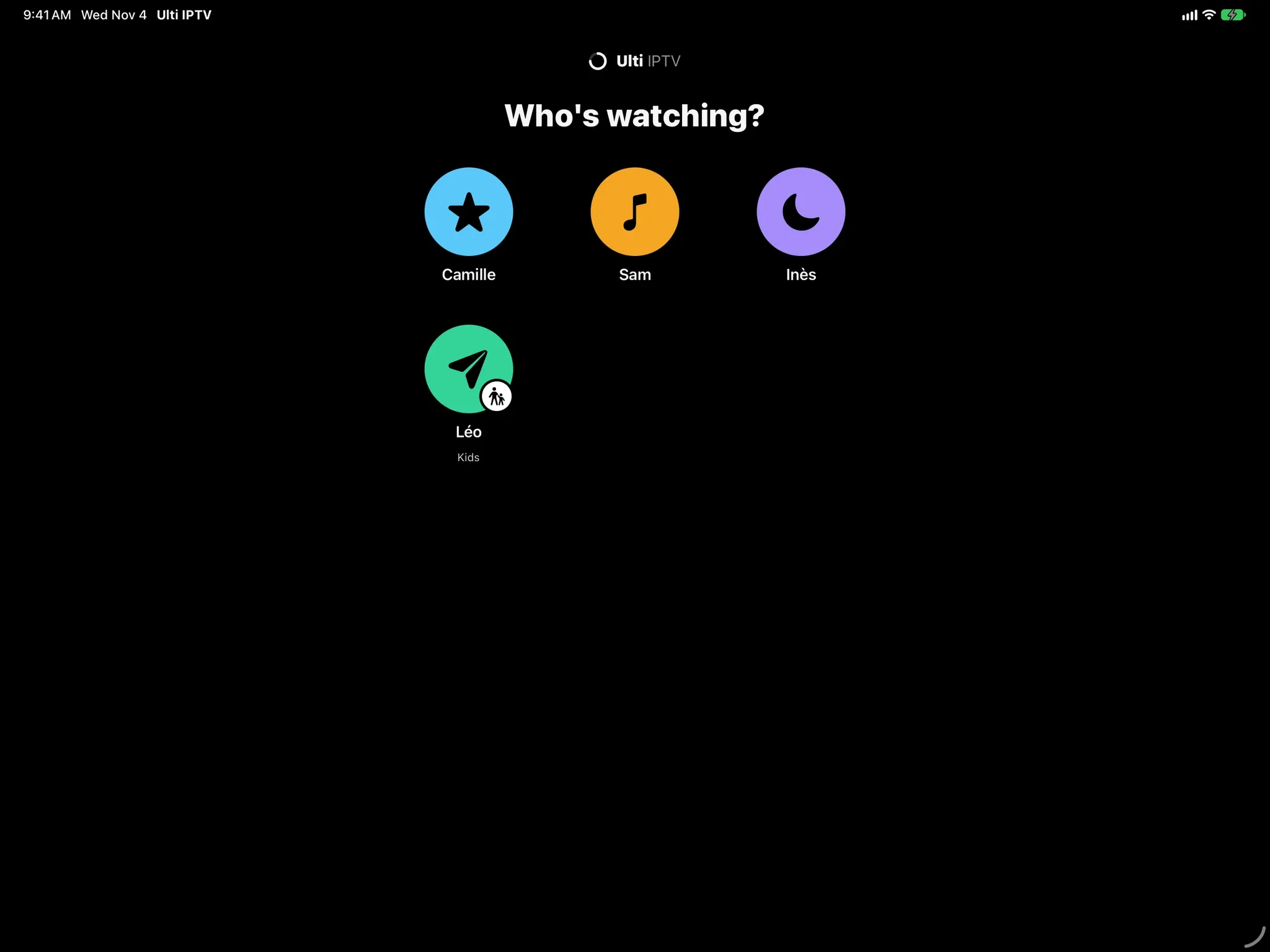
A Kids profile protected by a parental code and, with Premium, a profile for each person.
Also on Mac with Apple silicon.
Real app screens, with made-up channels and images from free films by the Blender Studio (CC BY licence). Image credits.
Apple TV
On Apple TV, everything is done with the remote: go from one channel to the next like on the TV you grew up with, in clear menus you can read from across the room.
One profile per person with Premium, each with their own list and resume points. The Kids profile, included in the free version, sees no adult content and can only be exited with the parental code.
Ulti Premium
Black Friday
Until Monday 30 November, Ulti Premium lifetime costs $29.99 instead of $39.99. That’s the price of the yearly subscription, and you pay only once. No code needed: the price is already lowered in the app.
Family plan: $39.99 instead of $59.99, for up to 6 people.
Black Friday price: $29.99. Regular price: $39.99.
Live TV is free. Try Ulti Premium free for 7 days.
Solo: for you, on all your devices.
Family: up to 6 people with Apple Family Sharing.
$0
Live TV, the TV guide and its reminders, movie and series details (playback with Premium), Picture in Picture, Apple TV setup by QR code and a Kids profile.
For me · Solo: for you, on all your devices.
$2.99 / month
7-day free trial. Cancel anytime.
$29.99 / year
That’s $2.50 a month. 7-day free trial.
$39.99
One payment, no subscription.
Black Friday price: $29.99. Regular price: $39.99.
Until 30 November. One payment, no subscription.
For my family · Family: up to 6 people with Apple Family Sharing.
$4.99 / month
7-day free trial. Cancel anytime.
$39.99 / year
That’s $3.33 a month. 7-day free trial.
$59.99
One payment, no subscription.
Black Friday price: $39.99. Regular price: $59.99.
Until 30 November. One payment, no subscription.
All three Premium plans give access to the same features.
Prices include tax. The exact price for your country is shown on the App Store.
Your login details stay in your device’s Keychain. No account to create, no tracking.
No. Ulti is a player: it plays the sources you add yourself. Ulti does not provide any channels or content. You must have your own sources, and the right to watch them.
iPhone, iPad, Mac (with Apple silicon) and Apple TV. Ulti Premium works on all your devices with the same Apple Account; with the Family plan, up to 6 people can enjoy it through Family Sharing. An Android version (phones, tablets and TVs) is in the works.
They are kept in your device’s Keychain and never go through an Ulti server.
Subscriptions provided as an M3U link or Xtream Codes login details, which covers the vast majority. The easiest way: paste your provider’s message, and Ulti recognises the format on its own.
Yes. Live TV and the TV guide are free, and so are movie and series details on iPhone, iPad and Mac; on Apple TV, they become free with the next update. Playing movies and series is part of Premium, which you can try free for 7 days with the monthly and yearly subscriptions, Solo or Family.
A subscription renews every month or every year, and you can cancel anytime. Premium lifetime is paid once. Until 30 November, it costs the same as one year of subscription: $29.99 for Solo, $39.99 for Family.
Ulti is free for live TV and the TV guide, with no ads and no account to create. Install it, paste your provider’s message, and watch.